
Screenshots
App details
- Updated
- Feb 7, 2025
- Requires
- Requires a minimum of 4 gigabytes of RAM...
- Language
- Chinese 11 moreLanguagesChineseDutchEngl...
- Developer
- Team Cemu
- Category
- Mobile
SoftPas in:
This product is also available in the following languages:
About Cemu - Wii U Emulator
Download Cemu - Wii U Emulator – Wii U emulator, PC gaming, Nintendo games, 4K gaming, high-resolution gaming, emulator for PC, high performance emulator, play Wii U games on PC
Overview
Cemu is a specialized emulator designed for Windows, enabling users to run Nintendo Wii U games on personal computers. The application serves as a digital bridge between legacy console gaming and modern PC hardware, allowing enthusiasts to experience their favorite titles with enhanced visual fidelity and performance. By leveraging the power of contemporary systems, Cemu offers a platform for playing Wii U games at resolutions up to 4K, significantly improving upon the original console's output. This makes it particularly valuable for users seeking a high-quality, customizable gaming experience without relying on physical hardware.
The app targets retro gaming fans, PC gamers, and Nintendo enthusiasts who wish to preserve or revisit classic Wii U titles. It is especially beneficial for those who may no longer have access to a physical Wii U console or prefer the flexibility and control offered by a PC environment. Cemu’s ongoing development suggests a commitment to expanding compatibility and refining performance across a growing library of games. Its ability to run titles at 1080p/60fps indicates a focus on smooth, responsive gameplay, which is critical for action and platforming games.
Developed by the Cemu Team, the application operates as a free tool, removing financial barriers to entry for users interested in emulation. While the developer did not provide additional technical details, the app’s purpose is clear: to deliver a stable, high-performance emulation environment. The absence of a price point reflects its positioning as a community-driven project focused on accessibility and innovation in gaming preservation.
Key Features & Functionality
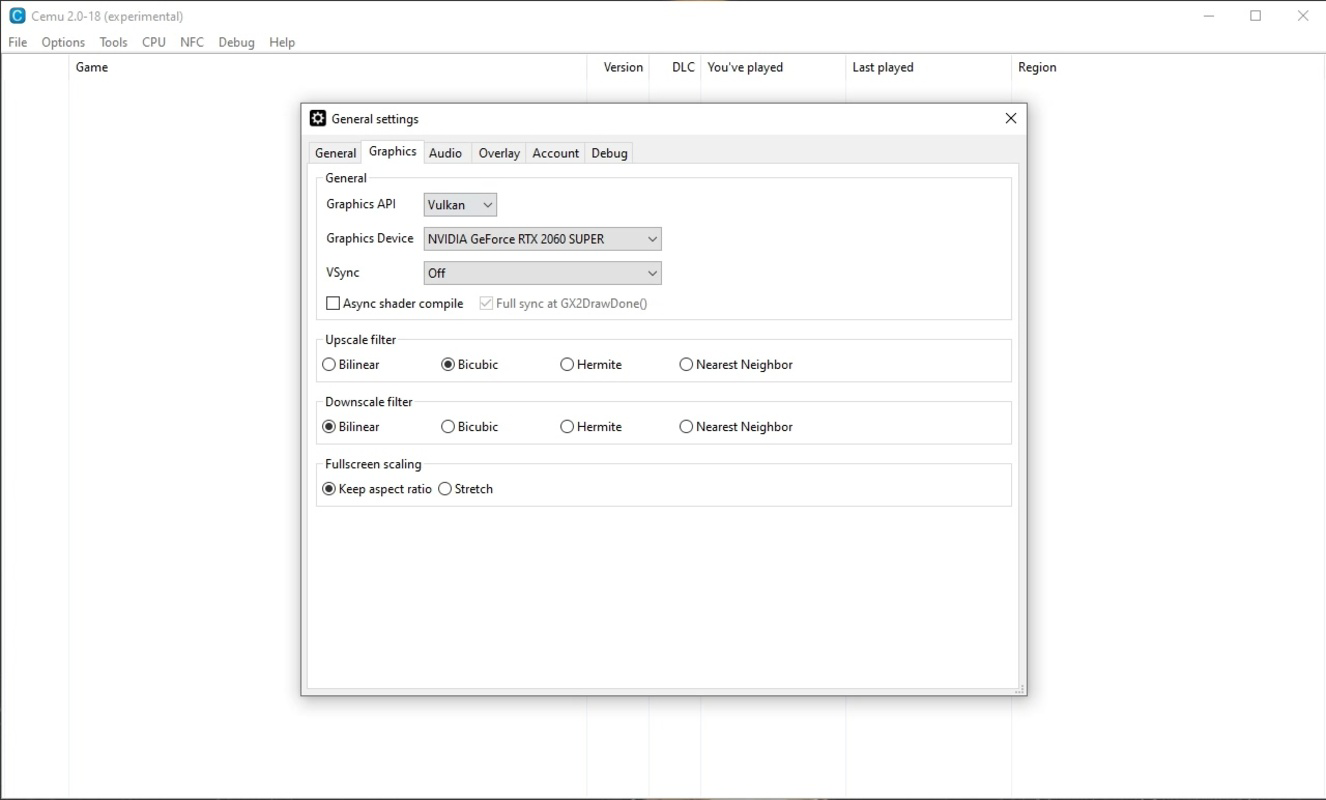
- High-Resolution Output: Cemu supports upscaling games to 4K resolution, delivering sharper textures and improved clarity compared to the original console’s native display. This feature enhances visual immersion, particularly on modern high-resolution monitors and TVs.
- Performance Optimization: The emulator is designed to maintain consistent frame rates, with support for 1080p/60fps gameplay. This ensures smooth motion and responsiveness, critical for fast-paced or precision-based games.
- Customizable Game Profiles: Users can create and apply individual settings for each game, including resolution scaling, texture filtering, and input configurations. This allows for tailored performance and visual quality based on specific titles.
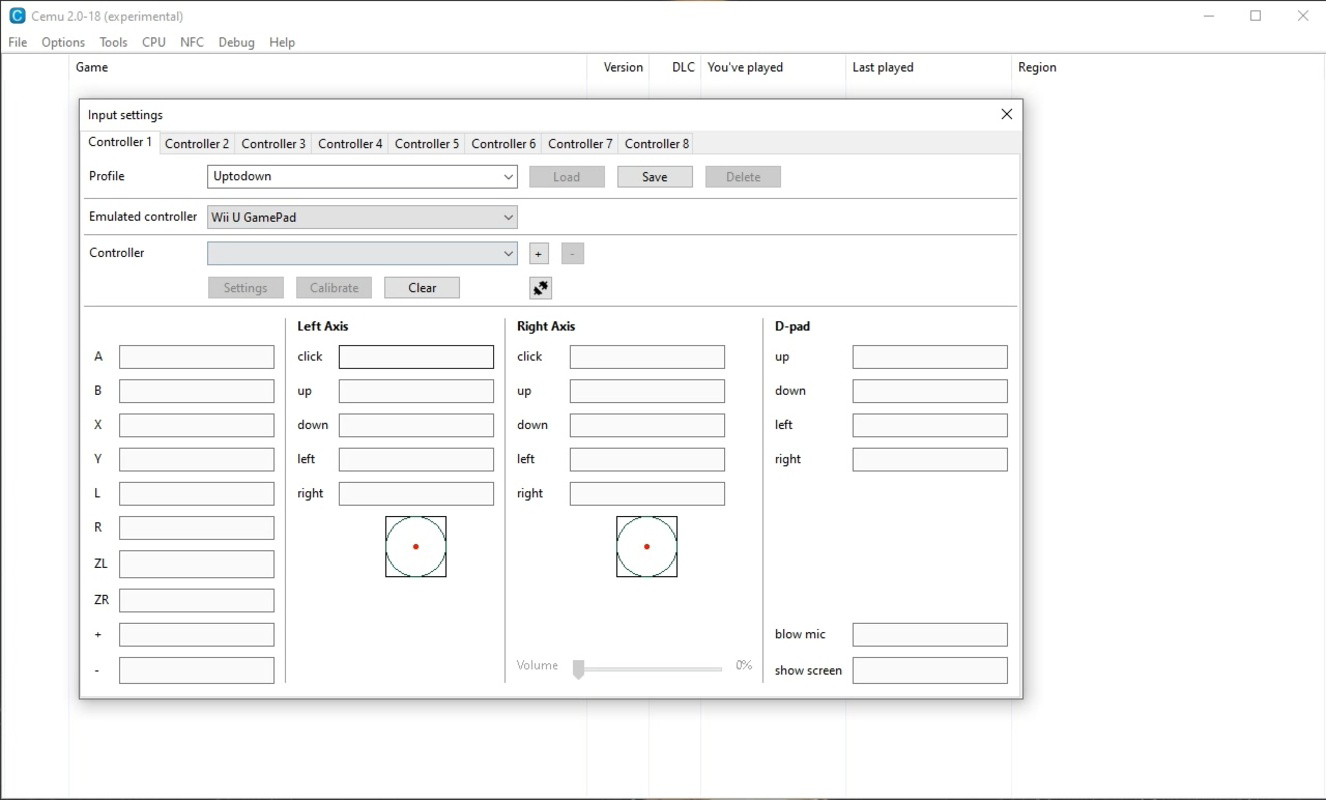
- Controller Emulation: Cemu supports a wide range of input devices, including Wii U Pro Controller, Classic Controller, and third-party gamepads. Input mapping is fully customizable, enabling users to assign buttons to their preferred layout using keyboard, mouse, or external controllers.
- Game Library Expansion: The emulator continuously improves compatibility with new titles, allowing users to expand their gaming library without hardware limitations. This ongoing development supports long-term usability and future-proofing.
For example, a user playing Super Mario 3D World can enable 4K output and apply texture enhancements to see levels in greater detail, while maintaining a stable 60fps frame rate. Similarly, a player of Xenoblade Chronicles X can adjust rendering settings to reduce graphical strain on older systems while preserving visual quality. These real-world applications highlight Cemu’s adaptability across different hardware configurations and user preferences.
Interface, UX & Performance
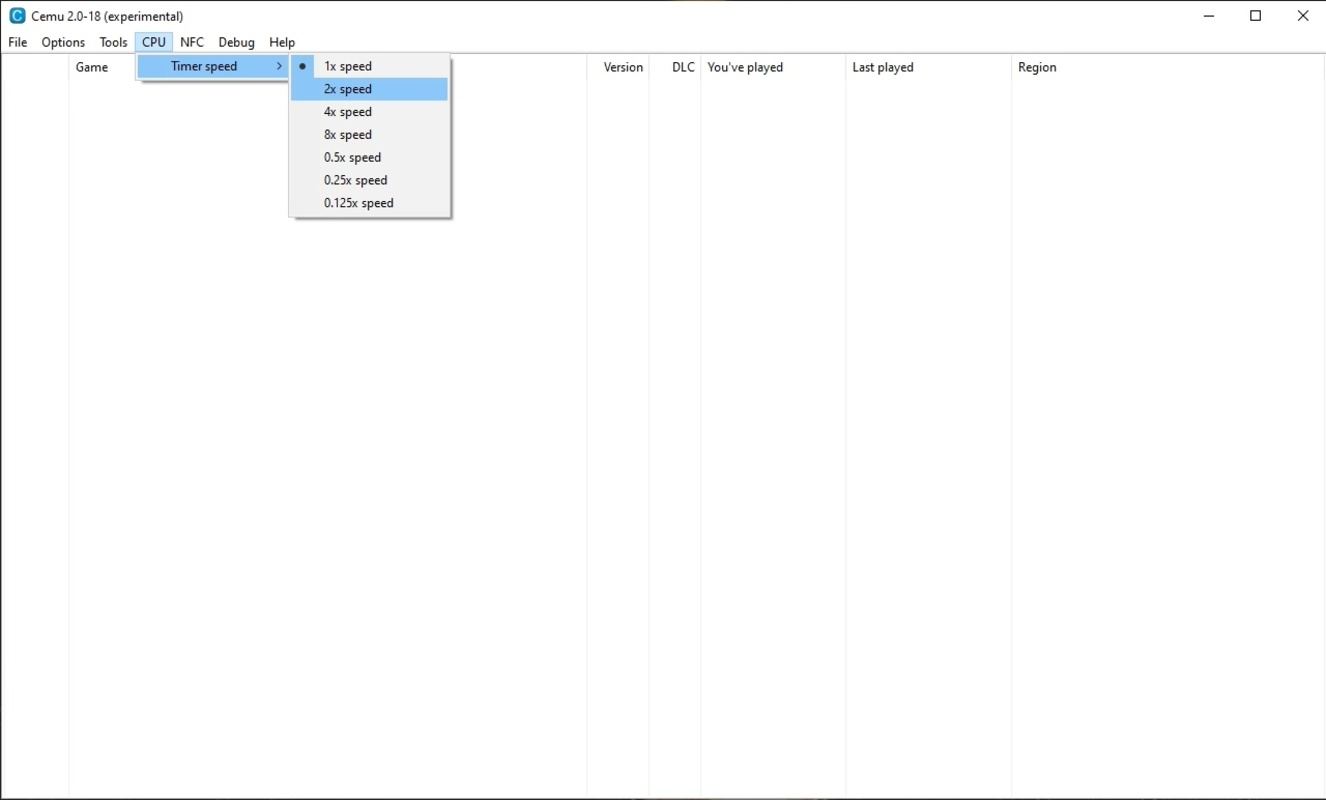
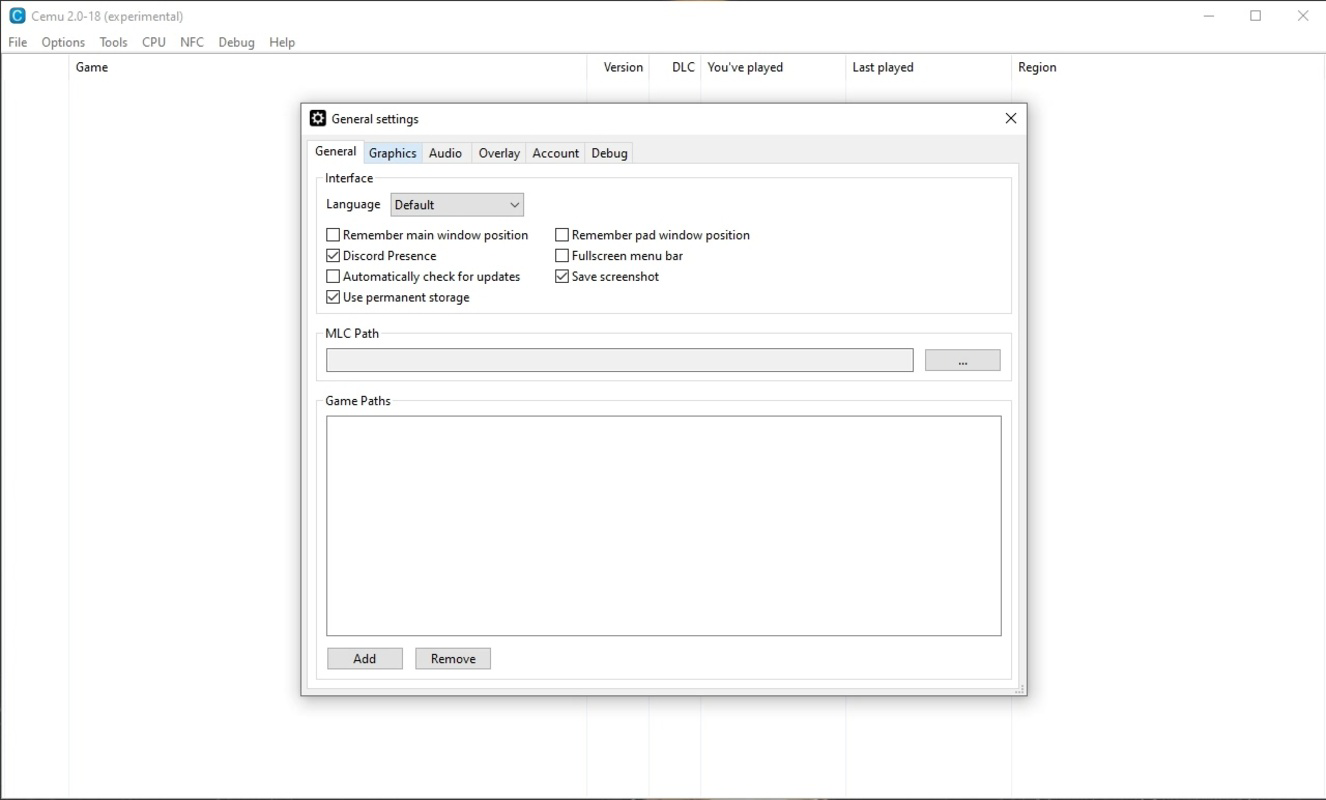
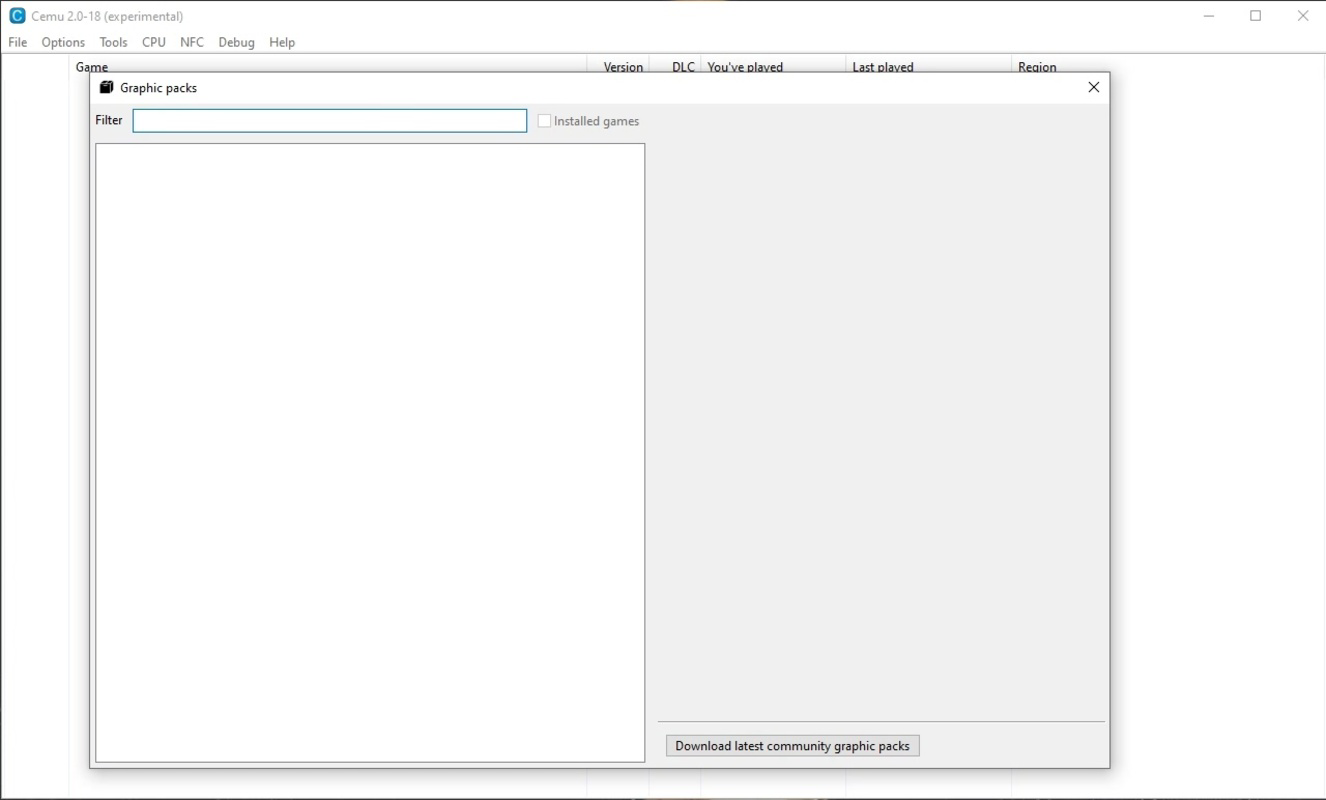
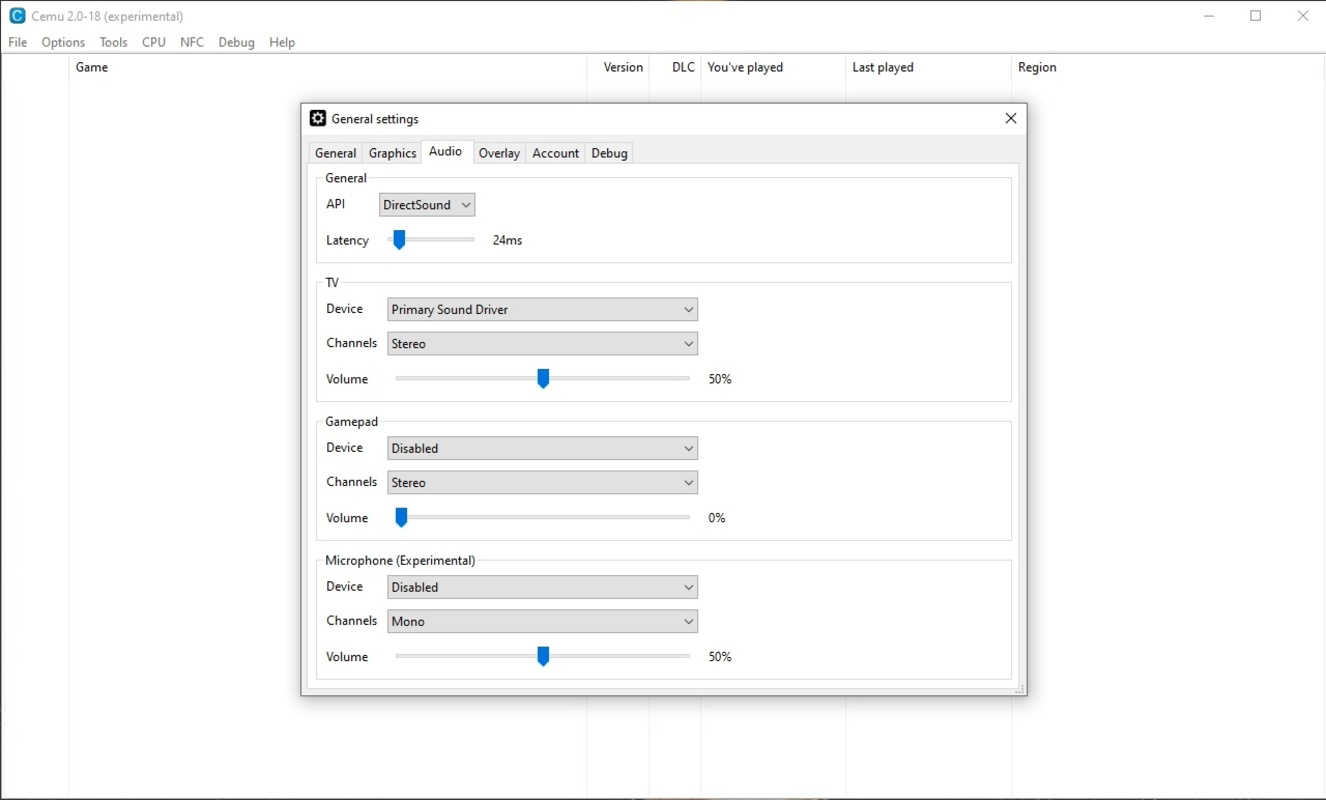
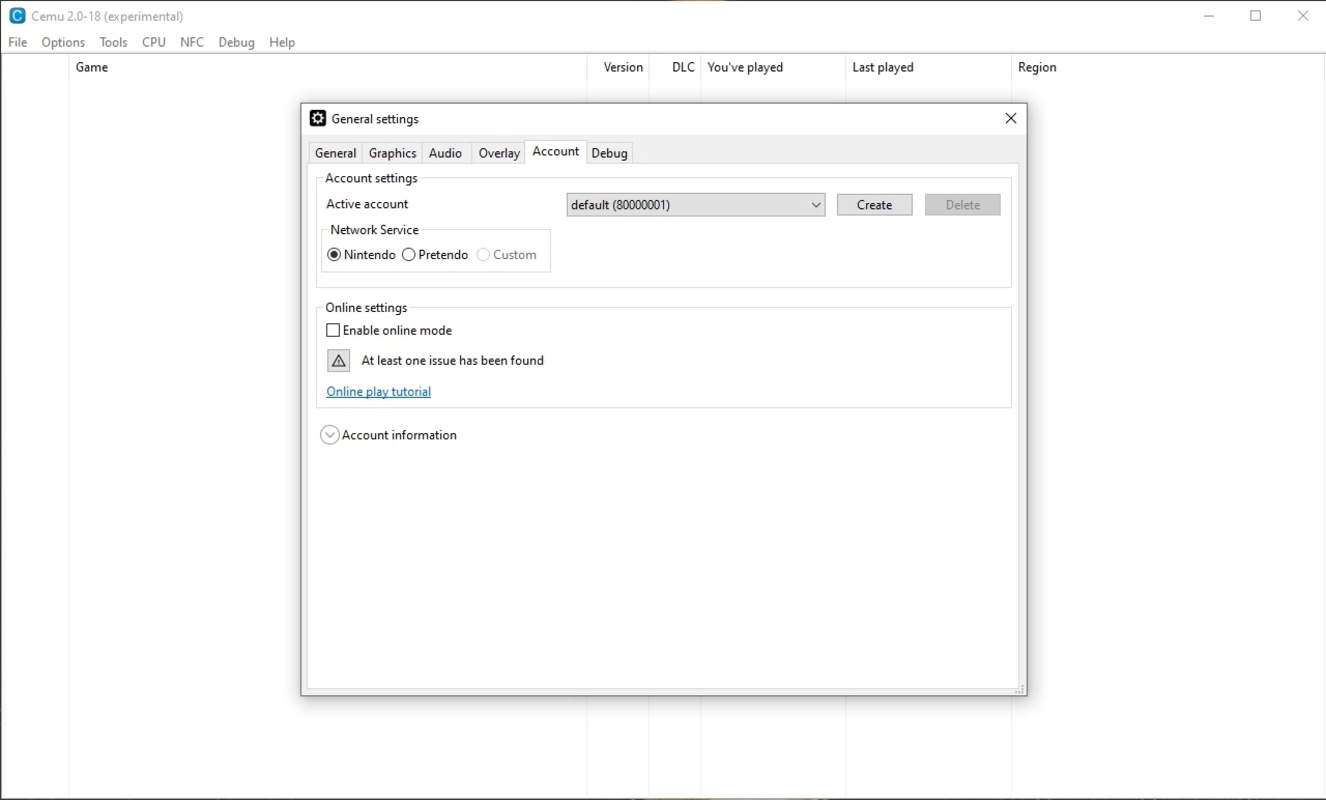
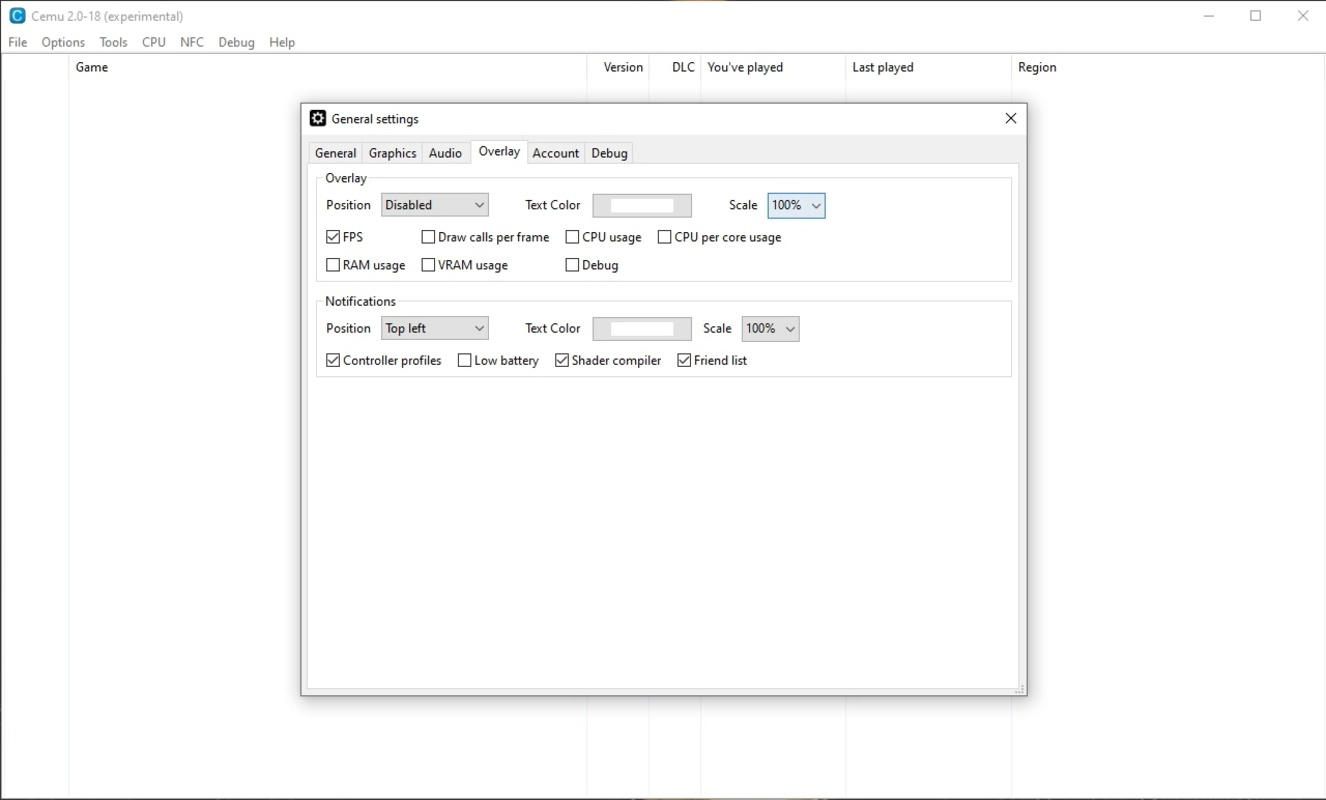
The user interface of Cemu is designed with functionality and accessibility in mind. It features a clean, minimal layout that prioritizes essential controls and settings, allowing users to navigate between game profiles, configure emulation parameters, and manage input devices efficiently. The navigation flow is logical, with clearly labeled tabs and sections that guide users through setup and gameplay.
Visual style leans toward a utilitarian design, focusing on clarity and performance rather than aesthetic flair. Menus are straightforward, with dropdowns, sliders, and toggle switches used to adjust settings such as resolution, frame rate, and texture filtering. This approach ensures that users can quickly locate and modify key options without unnecessary complexity.
Performance is a core strength of Cemu. Although the developer did not list formal performance metrics, the app’s ability to run games at 1080p/60fps suggests strong optimization. Responsiveness is maintained across different device categories, including mid-range and high-end systems, though actual performance may vary based on hardware capabilities. Stability is generally high during gameplay, with minimal crashes reported in the community, though users are advised to ensure their system meets recommended specifications.
Platform Compatibility & Technical Requirements
Cemu is exclusively available for Windows, making it compatible with a wide range of desktop and laptop systems. The current version is 1.28.0, released on February 15, 2024. The application has a file size of 145 MB, which is relatively lightweight for an emulator of its capabilities.
Specific requirements were not listed. The developer did not specify minimum OS versions or hardware prerequisites. However, given the high-resolution and performance demands of the emulator, users are likely to benefit from modern processors, dedicated graphics cards, and sufficient RAM. Compatibility information was not fully disclosed, so users should verify system readiness before installation.
Pros and Cons
Pros
- Free to download and use, lowering access barriers for users.
- Supports up to 4K resolution output for enhanced visual quality.
- Capable of running games at 1080p/60fps for smooth gameplay.
- Offers customizable profiles and settings for individual games.
- Compatible with a wide range of controllers and input devices.
- Continuously updated with improved game compatibility and performance.
Cons
- Specific system requirements were not provided by the developer.
- Installation and setup may require technical knowledge for optimal configuration.
- Performance may vary significantly depending on user hardware.
- Not available on mobile platforms or non-Windows operating systems.
- Emulation legality may vary by region; users should ensure compliance with local laws.
FAQ
Is Cemu safe to download and install?
Yes, Cemu is a legitimate software tool developed by the Cemu Team. It does not contain malware or adware. However, users should always download the app from official or trusted sources to avoid tampered versions.
Can I play any Wii U game on Cemu?
Not all games are fully compatible. The emulator’s compatibility list is constantly expanding, but some titles may not run properly or at all. Users should check community reports for specific game support.
Do I need a Wii U game file to use Cemu?
Yes, Cemu requires game files (ISO or WUD files) to run games. These files must be obtained legally and are not included with the emulator.
Is Cemu available for Android or iOS?
No, Cemu is currently only available for Windows. There are no official versions for mobile platforms.
How often is Cemu updated?
Cemu is under active development. Updates are released regularly to improve compatibility, performance, and stability. Users are encouraged to keep the app up to date.
Final Thoughts
Cemu stands out as a powerful and accessible tool for PC gamers and Nintendo fans seeking to relive or experience Wii U titles with modern enhancements. Its ability to deliver high-resolution output, smooth frame rates, and customizable settings makes it a top choice for emulation enthusiasts. While it requires a capable PC and some technical setup, the benefits far outweigh the learning curve for dedicated users.
Those who value visual quality, performance, and flexibility will find Cemu invaluable. It’s especially suited for users with older or discontinued hardware who wish to continue enjoying their favorite games. The free model further enhances its appeal, promoting accessibility and community-driven innovation.
Download Cemu now
Guides & Tutorials
How to install Cemu - Wii U Emulator
- Click the Download button above.
- Once redirected, accept the terms and click Install.
- Wait for the Cemu - Wii U Emulator download to finish on your device.
How to use Cemu - Wii U Emulator
This software is primarily used for its core features described above. Open the app after installation to explore its capabilities.
User Reviews
No reviews yet. Be the first to share your experience.
You may also like
more
Que no te pillen¡
About !Que no te pillen¡Reviewed by Jason A. BilbreyShow MoreShow Less

3D Combat Zone
About 3D Combat ZoneOriginally released in 1983, 3D Combat Zone immerses players...

666: El día del portal
About 666: El día del portalOn June 6, 2006, Agent P. Stone uncovers a sinister...

80 in 1 Best Flash games
About 80 in 1 Best Flash games 80 in 1 Best Flash games is a collection of 80 fl...

ABYSS SEEKERーーWhat Do You See Deep in The Abyss
About ABYSS SEEKERーーWhat Do You See Deep in The AbyssIn ABYSS SEEKER, players...

ACA NEOGEO THE KING OF FIGHTERS 2002 for Windows
About ACA NEOGEO THE KING OF FIGHTERS 2002 for WindowsTHE KING OF FIGHTERS 2002,...